 Craftable
You don’t need to know HTML, hire a developer or pay for a theme to get a good-looking website. With an AI website builder like Craftable you describe the site in plain words and the AI writes the real code — HTML, CSS and JavaScript — while you watch. This guide walks through the whole thing, from the first prompt to a public link you can share on WhatsApp or Instagram.
Step 1: Sign up free
Open Craftable on your phone or laptop and sign up with Google or your email. The Free plan gives you 25 credits a day on 7 days each month, which is enough to build and polish a small site. Starting from a free template costs 0 credits.
Step 2: Describe your website
Type what you want in one or two sentences. Be specific about who it is for, what pages it needs and what the visitor should do. You can write in English, Hindi, Tamil or any other language.
- “A website for my bakery in Pune with a menu page, an about page and a WhatsApp order button”
- “A portfolio for a wedding photographer with a full-screen gallery and a contact form”
- “A one-page site for my tuition classes with batches, fees and a call button”
Step 3: Watch it build live
Craftable writes the site in front of you. Every page and file — index.html, about.html, style.css, script.js — appears in its own tab as the AI writes it, and the preview updates as soon as it is ready. Use the device buttons to check how it looks on a phone, a tablet and a laptop.
Step 4: Chat to change anything
Not happy with the colours? Just say “make the header dark green and the buttons rounded”. Want another page? “Add a gallery page with 12 photos.” Every change is saved as a version, so you can go back to an earlier one any time. You can also tap ✏️ to edit text directly, or open the Code tab if you like to tinker.
Try it now — free
Open Craftable with this prompt ready to go:
Step 5: Publish and share
Tap Publish to get a public link in one tap. You can also deploy to Vercel, Netlify or GitHub Pages from Integrations, or download the project as a ZIP, a single HTML file or an Android APK. New projects start private, so nothing is public until you decide.
Tips for a better first result
- Name the business, city and audience — the AI uses them in headings and text.
- List the pages you want (Home, Menu, About, Contact).
- Mention the action you care about: “book a table”, “order on WhatsApp”, “download my CV”.
- Ask for live info when you need it (“today’s gold rate”, “latest cricket scores”) — Craftable can search the web before it writes.
What does it cost?
Craftable is free to start: the Free plan gives 25 credits a day on 7 days each month. Paid plans add more credits and stronger AI models — Starter ₹299, Pro ₹499 and Maxx ₹799 a month — and plan credits never expire. See pricing.
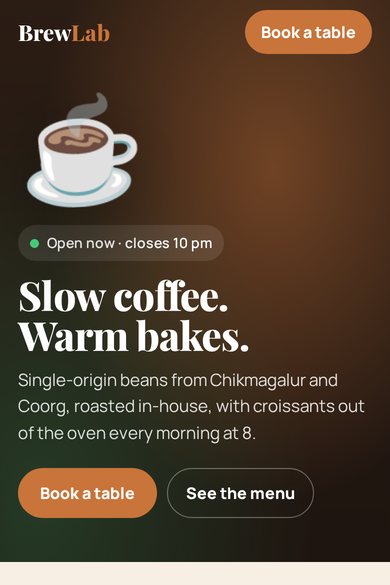
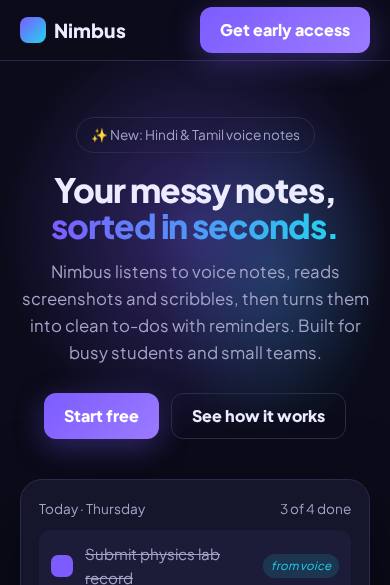
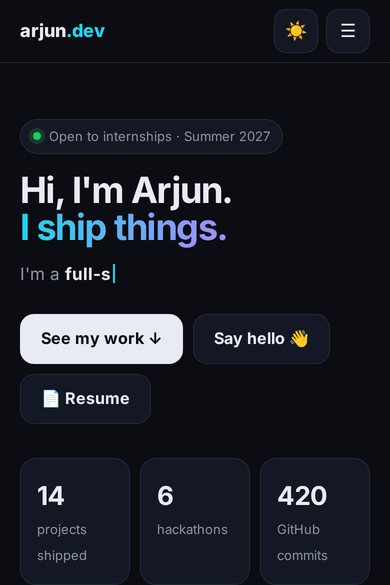
Free templates to start from
FAQ
Is it really free?
Yes. The Free plan gives 25 credits a day on 7 days each month, and templates are free to start from. Paid plans (Starter ₹299, Pro ₹499, Maxx ₹799 a month) add credits and stronger models.
Do I own the code?
Yes. You can download your website as a ZIP or a single HTML file and host it anywhere.
Can I build on my phone?
Yes. Craftable is built for phones first — you can describe, preview, edit and publish from your mobile browser.
Build it with Craftable
Describe it, watch it build, publish in one tap. Free to start.