 Craftable
An “app” is just a website that does things: it remembers data, lets people log in, takes payments or talks to them. Craftable’s AI app builder writes all of that for you from a plain-language description, and you can install the result on Android as an APK.
What kind of apps can you build?
- Trackers and tools — expenses, fees, habits, attendance, inventory.
- Community apps — chat rooms for a class, club or society.
- Small business apps — order forms, booking, catalogues with UPI payment.
- AI apps — study buddies, quiz makers or chatbots (with Craftable Brain on Pro and Maxx).
- Games — 2D and 3D games that run in the browser.
Describe the screens and the data
Good app prompts mention three things: the screens, what gets saved, and who can see it. For example: “A tuition fee tracker. Screens: students list, add payment, monthly summary. Save students and payments. Only I can log in.” Craftable builds the screens, wires up the buttons and stores the data.
Add features by asking
You don’t configure anything in settings — you describe it, and the AI adds it:
- Login: email, Google or GitHub sign-in (for Google and GitHub you add your own client ID when asked).
- Saved data: each app gets its own database, so entries are kept across visits.
- Payments: a UPI pay link and QR code, or Razorpay checkout with your public key.
- Phone features: camera, mic, location and notifications, with proper permission prompts.
- Live info: Craftable can search the web while building when your app needs fresh facts.
Try it now — free
Open Craftable with this prompt ready to go:
Test it like a real user
Use the phone-size preview while you build. Then publish and open the link on your own phone; add it to your home screen or export an Android APK to install it like any other app.
Keep improving it
Ask for changes in chat — “add a search bar”, “show totals by month”, “make it work in dark mode”. Every change becomes a version you can restore, and the Code tab shows every file if you want to learn how it works.
Price
Craftable is free to start: the Free plan gives 25 credits a day on 7 days each month. Paid plans add more credits and stronger AI models — Starter ₹299, Pro ₹499 and Maxx ₹799 a month — and plan credits never expire.
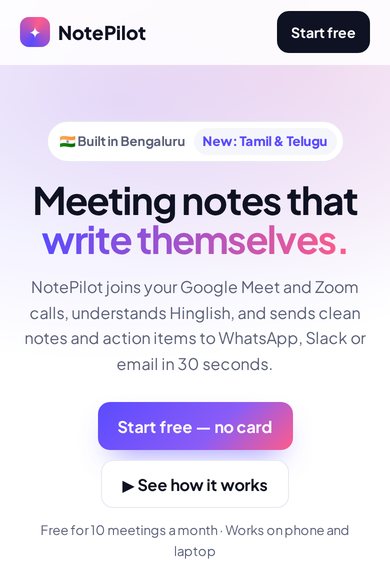
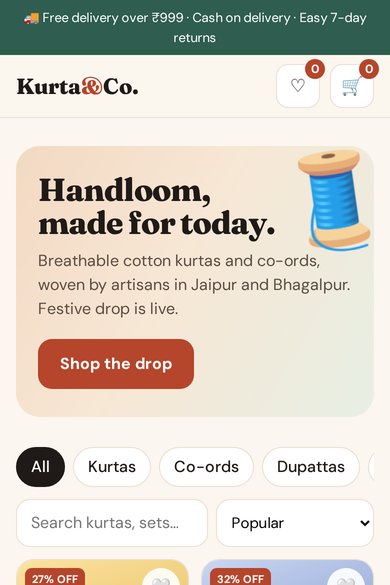
Free templates to start from
FAQ
Do I need to know JavaScript?
No. The AI writes the HTML, CSS and JavaScript. You can read and edit the code in the Code tab if you want to, but you don’t have to.
Can my app have users and a database?
Yes. Describe the login you want and what to save; Craftable adds login and a per-app database.
Can I put it on my phone?
Yes. Publish it and add it to your home screen, or export an installable Android APK.
Build it with Craftable
Describe it, watch it build, publish in one tap. Free to start.