 Craftable
Whether you sell kurtas, take café pre-orders or collect tuition fees, customers in India want to pay by UPI. Craftable can add payments to the site or app it builds for you.
Option 1: UPI pay link and QR
Give the AI your UPI ID and ask for a pay button: “Add a Pay with UPI button for ₹499 using UPI ID myshop@okaxis, with a QR code for laptop users.” On phones the button opens GPay, PhonePe or Paytm with the amount filled in. These payments go straight to you; your site does not get an automatic confirmation, so check your UPI app before you ship an order.
Option 2: Razorpay checkout
If you have a Razorpay account, give the AI your public Key ID (it starts with rzp_). Craftable adds Razorpay’s checkout for cards, UPI and wallets. Never paste your Razorpay key secret into a prompt.
Try it now — free
Open Craftable with this prompt ready to go:
Make the order flow clear
- Show the amount and what it is for before the pay button.
- After payment, ask the customer to send the UPI reference on WhatsApp, or show a thank-you message.
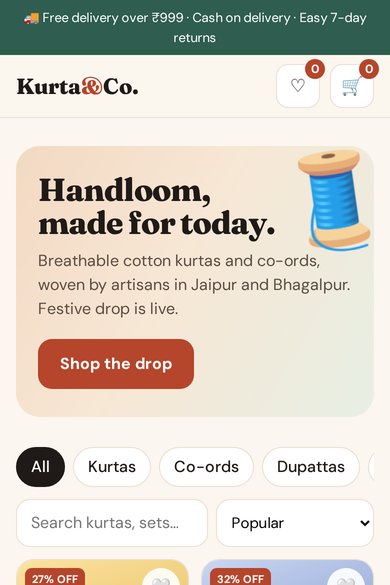
- Add cash on delivery if you offer it — the fashion store template already has it.
Test before you share
Try the flow on your own phone with a small amount, check that the pay screen shows the right name and amount, then publish.
Free templates to start from
FAQ
Does Craftable take a cut of my payments?
No. UPI payments go directly to your UPI ID, and Razorpay payments go to your Razorpay account.
Is my secret key safe?
Craftable only needs your public Razorpay Key ID. Never put secrets in a prompt.
Can I sell products with a cart?
Yes — start from the free fashion store template with cart and coupons, or describe your own.
Build it with Craftable
Describe it, watch it build, publish in one tap. Free to start.