 Craftable
If you already work with an AI assistant, you can let it build on Craftable for you. Craftable has an MCP server — the open standard AI tools use to talk to apps — so assistants like Claude, ChatGPT, Gemini, Codex and Cursor can create and publish projects in your account.
What your agent can do
- List the free templates and start a project from one.
- Create projects, read and write their files, and ask Craftable’s AI to build or change them.
- See versions and restore an earlier one.
- Publish a project or deploy it, and share the link.
How to connect
- Open Connect in Craftable.
- Create a key for your agent and follow the steps for your tool.
- Ask your agent: “Use Craftable to make me a landing page for my startup and publish it.”
Start building — free
Free plan: 25 credits a day on 7 days each month, plus free templates.
Good to know
Your agent works inside your account and uses your credits for AI builds, just like you would. Starting from a template uses 0 credits. You can revoke a key any time from the Connect page.
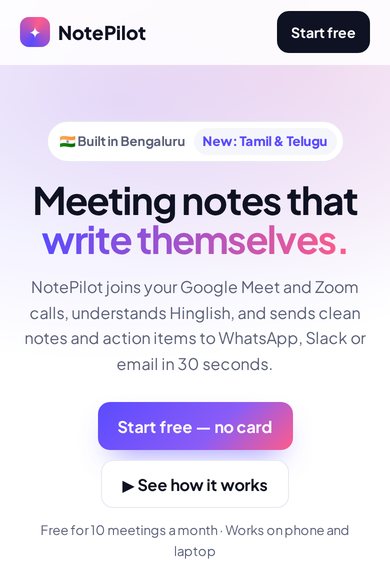
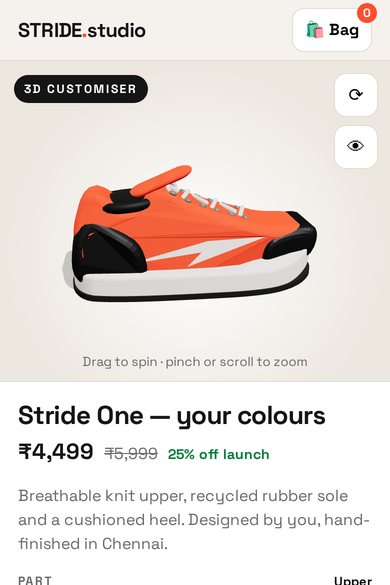
Free templates to start from
FAQ
Which assistants work?
Any assistant that supports MCP, including Claude, ChatGPT, Gemini, Codex and Cursor.
Is it safe?
Each agent uses its own key, which you can revoke at any time.
Does it cost extra?
No extra fee. AI builds use your normal credits; templates use 0 credits.
Build it with Craftable
Describe it, watch it build, publish in one tap. Free to start.