 Craftable
Once your site looks right in the preview, there are four ways to put it online with Craftable. All of them use the same code; pick whichever fits how you want to share and update it.
1. One-tap Publish
Tap Publish in the builder and you get a public link you can share straight away. When you change the project, publish again to update it. This is the quickest way to share with friends or customers.
2. Vercel
Connect your Vercel account in Integrations, then deploy the project from the builder. Good if you want Vercel’s hosting and your own domain settings there.
3. Netlify
Connect Netlify in Integrations and deploy the same way. Netlify is popular for simple static sites and forms.
Try it now — free
Open Craftable with this prompt ready to go:
4. GitHub Pages
Connect GitHub and deploy to GitHub Pages — handy for student portfolios and open-source projects, because the code lives in a repository you own.
Private or public?
New projects start private. Only you can see them until you publish or switch them to public. Public projects can appear in the community gallery; private ones never do.
Download your code
You can always download your project as a ZIP, a single HTML file or an Android APK and host it anywhere you like.
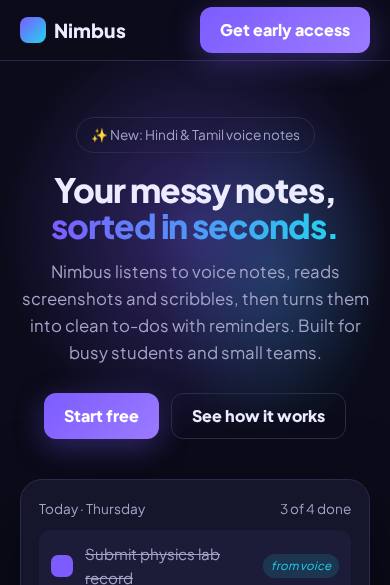
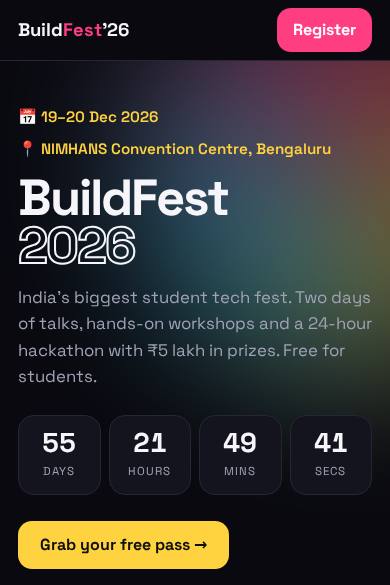
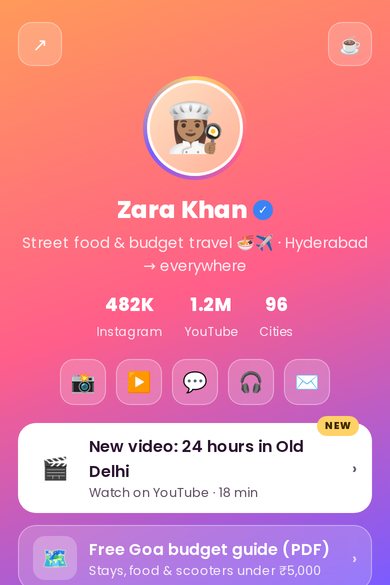
Free templates to start from
FAQ
Is publishing free?
Yes. Publishing and deploying are available on every plan, including Free.
Can I use my own domain?
Deploy to Vercel, Netlify or GitHub Pages and connect your domain there, or host the downloaded files with any provider.
How do I update a published site?
Make the change in Craftable and publish or deploy again.
Build it with Craftable
Describe it, watch it build, publish in one tap. Free to start.